For dev shops & tool vendors: a managed Claude Code surface for your team.
One Dashboard. Every Project. No Terminals.
If your workflow looks like the screenshot below — 4 terminals, 4 projects, no idea which one needs attention — Easy Claude Code replaces all of that with a single browser tab.
Magic link — no password. Set up in under 60 seconds.
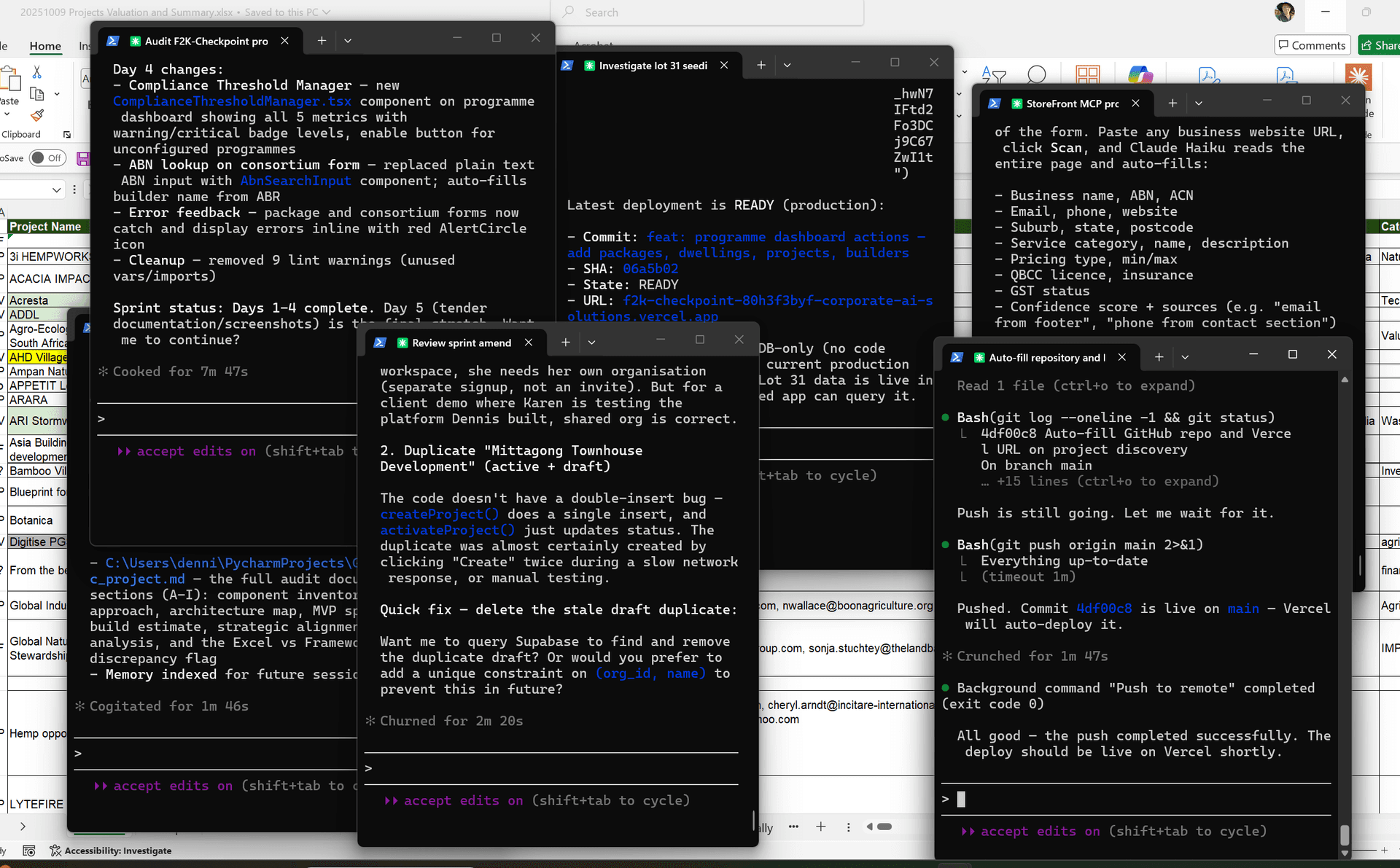
Multiple terminals. Multiple projects. Context scattered everywhere.
Which project needs attention? Which session is still running? Where did that error go?
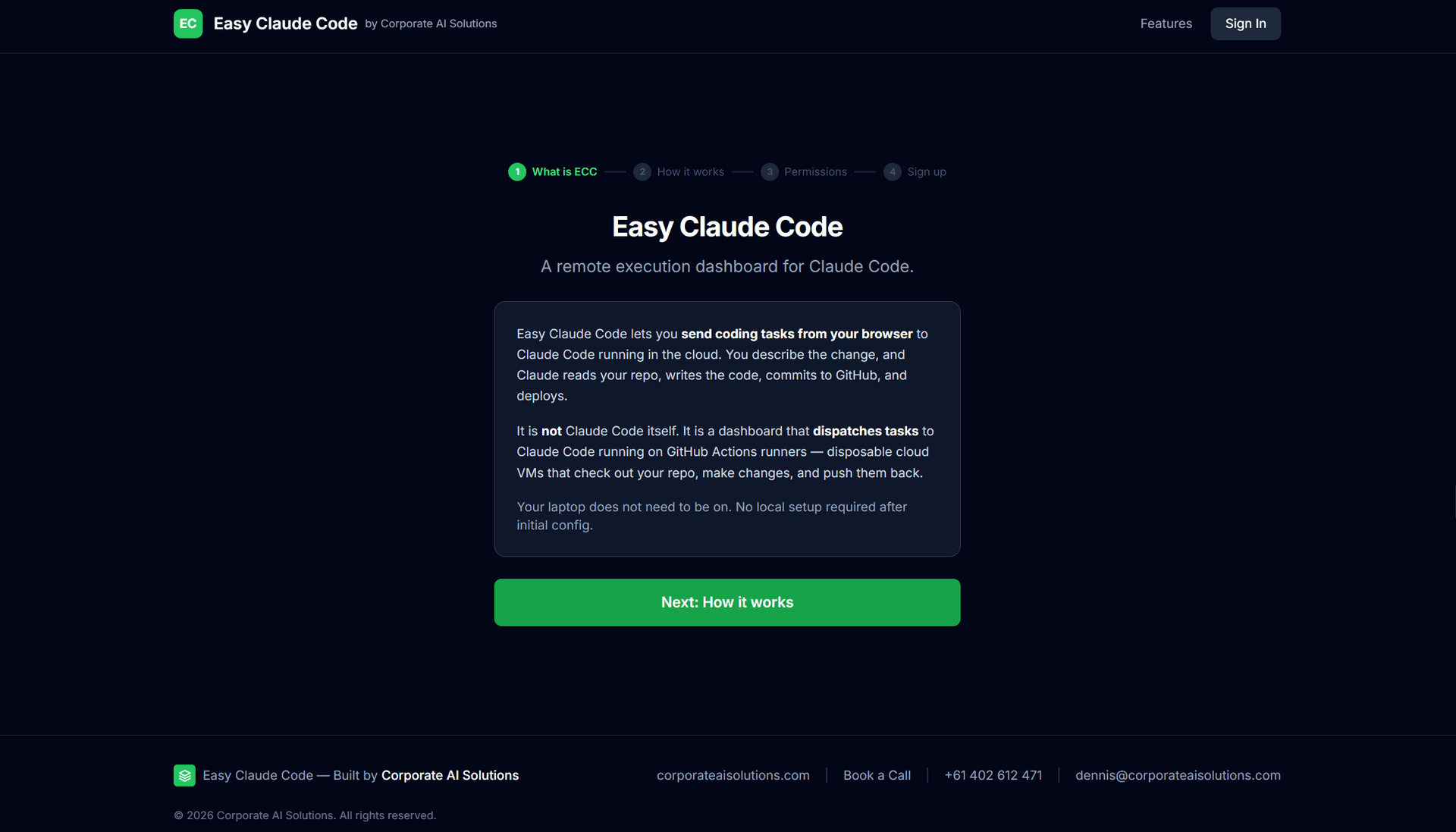
One dashboard. Every project. Send tasks from your phone.
Clean onboarding
What Changes
Same Claude Code. Same AI. Just a better way to use it.
How It Works
Five steps from your browser to deployed code.
You type a task
From your phone, tablet, or any browser. "Add a dark mode toggle to settings."
GitHub Actions spins up
A clean Linux VM checks out your repo. No local machine needed.
Claude Code runs
Full access to read, write, test, and run commands — inside the sandboxed runner.
Changes committed and pushed
Claude commits to your default branch. You see the diff in the dashboard.
Auto-deploy triggers
If connected to Vercel/Netlify, your site updates within 60 seconds.
You Control the Permissions
Choose how much autonomy Claude Code gets — per project. Change anytime from the dashboard.
Locked
Approve Everything
Every action requires your approval. You see exactly what Claude does before it happens.
SafestStandard
Smart Defaults
Safe operations auto-approved. Destructive actions still need your OK.
RecommendedAutonomous
Bypass Permissions
Full autonomy. Claude executes without asking. Only hard safety limits apply.
AdvancedAll tiers enforce a hard deny list — catastrophic operations (rm -rf /, force-push to main, reading .env) are always blocked.
Setup Takes 5 Minutes
Three steps. Then every project you work on syncs automatically.
Sign Up and Choose Permissions
Create an account, pick your default permission tier. You can change this per-project at any time.
Connect a GitHub Repo
Add your repo, paste your Anthropic API key. We install the GitHub Actions workflow automatically.
Send Your First Task
Type what you want done. Claude Code runs in the cloud, commits the changes, and you see the result in your dashboard.
Built For Builders Who Ship Daily
If Claude Code is your primary dev tool across multiple projects, this is your control plane.
Solo Founders
Running 10+ repos solo. See everything on one screen. Fire off changes from your phone between meetings. Review on your laptop later.
Venture Studios
Managing a portfolio of products. Morning briefing tells you which projects need attention. Cloud execution keeps everything moving.
AI-First Teams
Using Claude Code across every project. Session persistence means nobody rebuilds context. The dashboard is your shared state.

Close the Terminals. Open One Dashboard.
Free while in beta. Set up in 5 minutes. Choose your permission level and send your first task.